Silly Notes For KCNA Certification
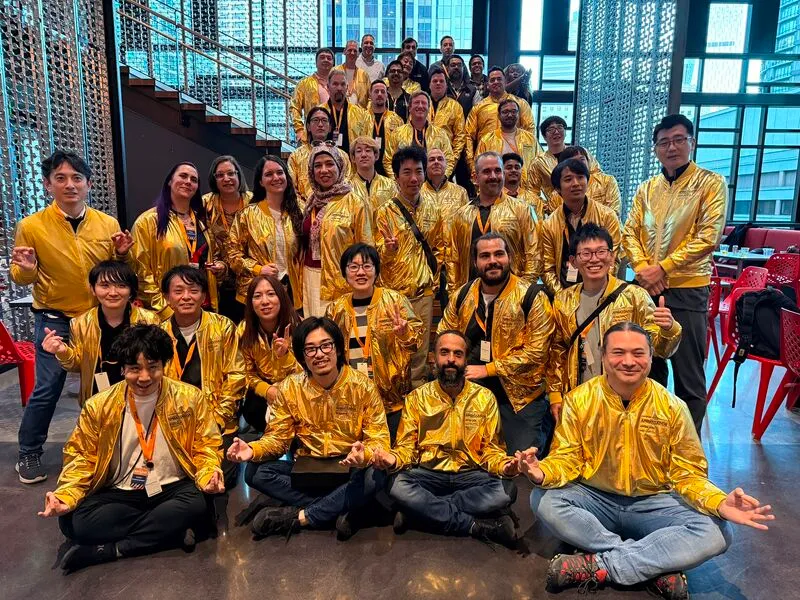
Collecting certificates used to be a big deal in IT career. When someone managed to pass all 12 certifications of AWS, they would enjoy wearing the golden jacket, with pride. Same goes with kubestranouts, who manage to get all certificates of CNCF exams. It’s still prestigious and I respect these people a lot. But one thing seems changed: just a few years ago, collecting one-two certificates here and one-two certificates there would make an applicant very powerful to secure a job offer. Today the story is changing a little. It’s good to have a few certificates to prove the fundamental theoretical knowledge. But certificates just by themselves do not guarantee any advantage.
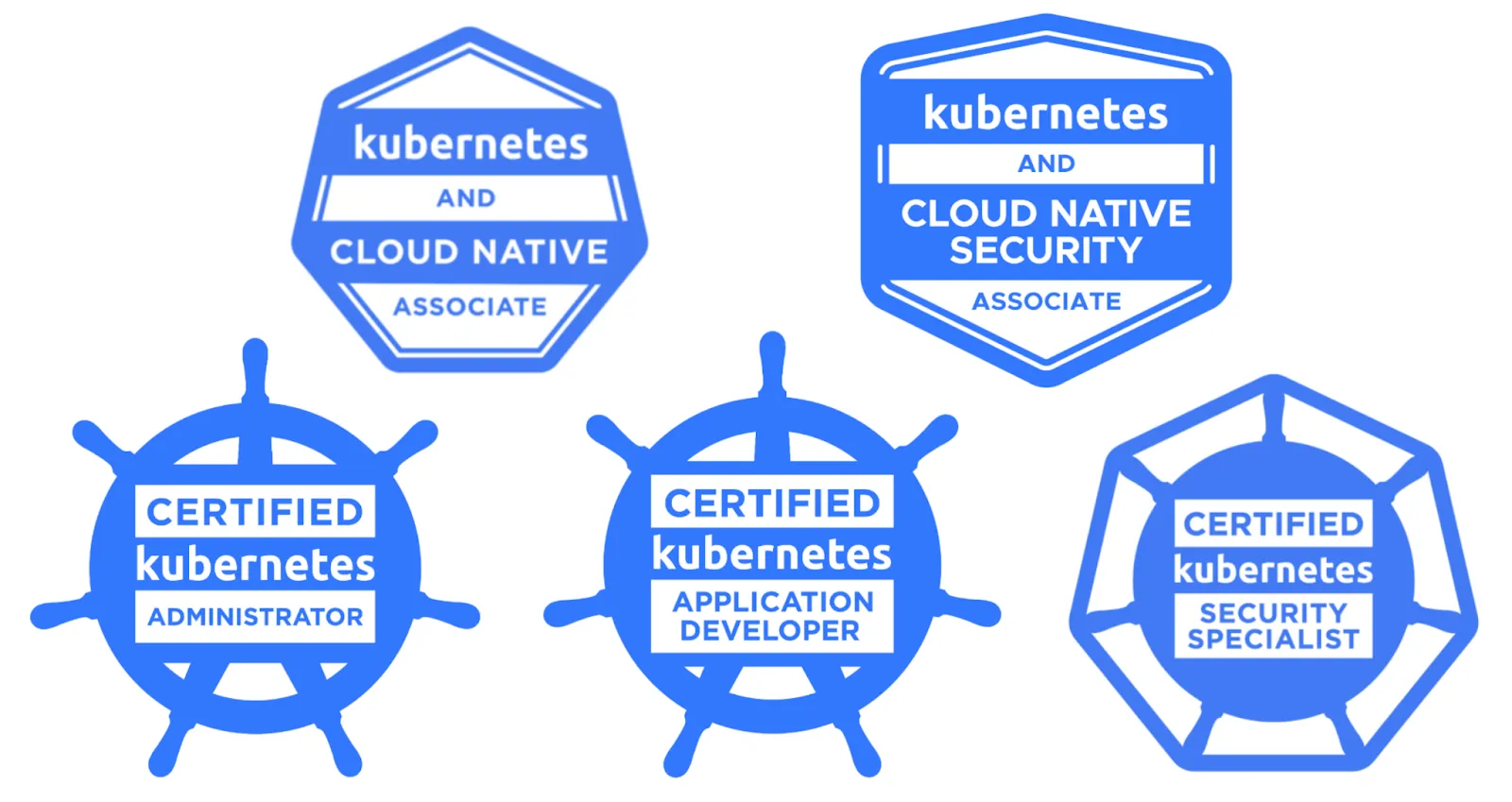
With this in hand, a few months ago I rolled up the sleeves and decided to give a try with my first certification at CNCF ecosystem. Not to get a job, but to merely learn more about kubernetes. And this was fun, I really learned a lot! So I recommend KCNA exam to everyone.
-
Of course Udemy was my first platform to check for a potential course, to follow a curriculum. I bet my choice on James Spurin and also purchased his practice exams. Please look for a Udemy discount, do not purchase at the regular pricing and with 15-20$ budget you should be able to get these courses. Alternatives should be also good enough.
-
I enjoy taking notes while following courses. Then comes some unclear parts, or outdated details. I try to understand them in depth by asking to AI. Any part you feel unclear, not sure, it’s always good to ask an AI agent first, then to someone knowledgeable around (if you don’t know anybody, feel free to ask in Reddit groups or contact me - there is no silly question in learning).
-
First my notes are long and difficult to read. However I separate them into sections, to make it readable and easy to grasp. I don’t necessarily follow the sections of the course I take (such as James Spurin) but it may give a hint. Once separated into sections, I read my notes a few times and practice some exams.
-
Then for each section I mark the wrong answers I made. The section with most wrong answers are on top, the sections that I performed the best are at the bottom. Next, I continue reading and shortening my notes, until they are one-page short to ready quickly before an exam.
-
Finally my notes are super short, and I read them a few times a day, while I also take a few exams a day.
To give you, my dear reader a hint, I share a clean version of my final short notes. Please review it, consider it and let me know if you like it. You can also consider fully using it at your practice. I will be honored to contribute to your certification journey.
On another hand, the best you can consider for this share: build your own notes, prepare self and eventually upload your notes with my notes to an AI agent. Ask for comparison. Consider what is missing in your notes that I have in mine, or vice versa. This can be a good practice for you to be aware - maybe your sources of knowledge are missing some parts that I took into account. Because one source is never good enough, but also you don’t want to overstudy at multiple resources. Therefore I provide you what I have in hand. I hope this is useful, let me know if I can provide anything else!
** Fundamentals **


• Cloud Native Architecture Foundations are resiliency: withstand failure, agility: build quick, operability: deploy easy, observability: understand well
• CI/CD stands for Continuous Integration & Continous Delivery. Secure by default: zero trust, always verify. Use secure channels, grant least privilege.
• Service discovery: automatic detection of services in the network. Minimum manual configurations. Leverage Cloud native tooling: DNS & env variables.
• Keda is event driven autoscaler. Knative and OpenFaas are open source serverless concepts. Cloudevents specification aims to standardize serverless.
• Cloud Events is a specification for describing event data in common formats to provide interoperability across services, platforms and systems.
• A CNCF project maturity signal: sandbox -> incubating -> graduated. Technical Oversight Committee (TOC) decides on project's maturity. Graduation criteria: healthy rate of changes, adoption, commits from multiple orgs, adopted CNCF code of conduct, achieved best practices badge.
• Open Container Initiative is established to create standards on container creation and maintenance. Includes runtime-spec, image-spec and distribution-spec. Runc is reference implementation on the runtime spec.
• There are also various open standards as CRI, CNI and CSI. CRI allows kubelet to run variety of container runtimes. CNI needs NetworkPolicies to control traffic flows.
 • Systemd is not compatible with CRI. CRI defines communication between kubelet and container runtime.
• Container Layers are immutable, only writable layer is the mutable one to reflect changes in the container system. Digest is used to verify the integrity of the image. Buildx shows raw content of an image, also digest.
• Docker client and server running independently. Container engine for Docker is containerd. Runc is the reference implementation of docker runtime.
• Docker -p 12345:80 will expose the port 80 of docker at localhost:12345. Persistent volumes are also added with -v flag as source-path:target:path
• Namespaces and Cgroups isolates users, processes, network interfaces and others. A user, process as pid, network, mount, time as uts and interprocess communication as itc can have a namespace in Linux systems.
	Then came cgroups by google to create isolation in resources. That was a creation to container concept. Resource limits, prioritization, Accounting, Control were features of cgroups.

** Architecture **

• Pod: smallest unit, isolated host. Pod is a REST object. Kubernetes starts with NS: default, kube-system, kube-public, kube-node-lease
• Node-Controller checks if a node is available - nodeReady Condition.
• Container Runtime: responsible to run workloads.You must install container runtime on each node to run pods in it. CRI-O is responsible for running containers.
• Deployment: Specifices how an application should run and the number of replicas. Stateless with random pod names. Has update, rollback, pause/resume, history capabilities.
• RollingUpdate is part of the Deploy Strategy. maxSurge: 25% means number of pods can be 25% more than desired amount of pods, in order to update. maxUnavailable is similar.
• StatefulSet: similar to deployment, but stateful and headless - gives each pod stable name (pod--0, pod–1 etc.), uses persistent storage per pod.Guards against split brain scenarios.  CRUD happens in order. Good for DBs, Kafka, Elasticsearch etc.
• ReplicaSet: declarative resource to manage desired number of pods. Managed by deployment. Stateless with random pod names. Can’t handle updates, has basic scaling.
• DaemonSet is used to run a pod in all or selected nodes of the cluster. Logging/monitoring agents, network and security components for example.
• InitContainers are a setup containers to run before the main application containers start.

• Kube-APIserver is part of Control Plane, exposes Kubernetes API. Nodes connect to APIServer via LoadBalancer. It’s the main gateway: user access and component communication.
• KubeScheduler is part of Control Plane, assigns pods to nodes in the cluster. It defines best node to run by filtering: which nodes meet the criteria, scoring: the most suitable node, binding: perform the operation.Custom scheduler can be built: you can deploy to specific node/s by using NodeName or NodeSelector. Pod memory requests, node taints and pod affinity influences KubeScheduler when placing pods on nodes.
• KubeProxy handles network communications and routing of services. It runs in every node. TCP/UDP protocols supported.


• Kubelet makes sure pods run healthy by checking with APIServer. It runs inside control plane and every node. Kubelet receive requests via API, or by monitoring a directory. It also starts, stops and monitors containers.
• Etcd is a single source of truth for consistent cluster state, config data. Key:value structure. It registers states and creations of pods. Network Throughput and Disk I/O are critical for etcd. Raft consensus is handled in a cluster by securing etcd files in the same state. 3 Etcd members required for high availability. Etcd is critical for backup/restore.
• ControllerManager is a control loop monitoring the state of the cluster by comparing to etcd. Runs in control-plane. ReplicationController, NodeController, DeploymentController are parts.
• CloudControllerManager bridges cloud vendor's functionalities to Kubernetes. LoadBalancer for example is handled by Cloud Controller Manager.
• ConfigMap stores non-sensitive configuration data as key-value pairs.immutable:true boolean field is part of ConfigMap. ConfigMap is Managed by the user. Etcd is managed by Kubernetes and includes ConfigMap data.

• Taint rule prevents scheduling a pod into a node. NoSchedule, PreferNoSchedule prevents scheduling. NoExecute prevents scheduling + evicts existing pods. Taints are applied to nodes. ControlPlane has NoSchedule by default.
• Toleration rule creates an exception to ignore taint restrictions on a node. Tolerations are applied to pods. operator=Equal is strict - looks for an exact match on key/value. operator=Exists look for key matches on the taint.
• Affinity helps to control where pods get scheduled based on rules. NodeAffinity defines which nodes to run. PodAffinity defines close to which pods to run. requiredDuringScheduling-IgnoredDuringExecution is a hard rule, checks the rule during scheduling. Later if conditions change during execution, no changes. NodeSelectors are used for rules in yaml. For PodAffinity, topologyKey is used to define the scope (per Node, AZ, region etc.)
• Storage is Ephemeral or Persistent. Rook is a driver to generate storage related requests in K8s. Ceph receives orders from Rook and implements the actions requested at storage level. StorageClass defines characteristics of a needed storage. PersistentVolume is representation of a piece of storage. PV-Claim is provided to a pod to access the storage. There are reclaimPolicy for dynamically provisioned PVs: Delete, Recycle (not deleted, but unbound), Retain (default policy).

• ResourceQuotas define how much resource can be used by a namespace. LimitRanges define how much resource can be used per pod/container. Kube-APIServer enforces quotas. 403 Forbidden returned.
• Pod Disruption Budgets define how many pods should be unavailable during voluntary disruptions via minAvailable or maxUnavailable.
• Annotations are passive-metadata, used to leave release notes and similar, but also to define certain parameters, such as timeout value, max-body-size etc.

• HorizontalPodAutoscalers can automatically update Deployments, StatefulSets.

• Custom Resource Definition (CRD) allows you to create custom resources by changing apiVersion in the declaration file. Then you can create multiple versions of this resource like pods, nodes etc.
• A cluster can have up to 110 pods per node. A cluster can have 5000 nodes, 150.000 pods, 300.000 containers in total
• GarbageCollector automatically cleans up terminated pods, completed jobs, deleted Nodes, unused containers/images, objects without an ownerRef (orphaned objects), expired CertificateSigningRequests etc.
• probe is a periodically run diagnosting by kubelet in the cluster. StartupProbe checks if the application is started. LivenessProbe checks if the application is live. When it repeatedly fails, kubelet kills container and restarts it. ReadinessProbe is checking if the application is reachable. When it fails, pod and its IP is removed from backend, preventing traffic until the probe succeeds.
• When a Node stops reporting, it first becomes NotReady, after 5 minutes Node Controller evicts pods and reschedules them into healthy nodes. Node status will be Unknown.
• When container runtime crashes on a worker node, pods running in the node are stopped. Dynamic Scheduling is associated with Container Orchestration.
• In a Pod yaml, spec for pod (image name etc.) are defined at top level, while in a deploy yaml, spec for pod is defined at spec.template.spec level.

** Networking, Services**


• CNI is a hook that enables cluster networking. Adds interface, assigns an IP, place routes and possibly applies policies. Flannel, Calico, Cilium are modern CNIs.
• NetworkPolicy classifies pods or isolated or not-isolated. Network namespace is shared by default by containers running in the same pod.
• CoreDNS (was Kube-DNS) is a K8s Deployment, turning DNS queries into IP addresses so pods can talk to services by name. Works with service implementation and CNI.
• CertManager manages Certificate Resources and Secrets that can be used by objects for TLS.
• Service is an abstraction policy that sends traffic to pods, by exposing through fixed IP address and DNS name. It selects pods by labels. kubectl expose is the command. There are 4 Service Types: ClusterIP is an internal service.
NodePort exposes app on a fixed port to every K8s node. LoadBalancer exposes the app to outside. It uses kube-proxy to configure IPTables or IPVS rules from virtual Service IP to Pod IPs.
Headless service provides a DNS with no proxy, each pod receives its own IP - handle incoming requests directly without a load balancer. spec.clusterIP: None declares headless in YAML.
• Service Discovery happens with Environment Variables and DNS. Kubernest service can expose multiple ports, but with unambiguous name for each port.
• Service Endpoint is an object that gets IP addresses of Pods. Services without selectors require manual creation of endpoints.
• Linkerd manages traffic flows between services, lightweight tool, aggregates telemetry data.
• Service Mesh is a Gateway API Controller. infrastructure layer to create service-to-service communication. Good for service discovery, observability, authentication/authorization, security and traffic management. Includes Data Plane (proxy) - a sidecar alongside each service instance. All inbound/outbound network requests flow through sidecar proxy. It handles load balancing, routing, encryption including TLS, telemetry collection. Control Plane (management) layer that configures and coordinates sidecar proxies: defines policies, pushes config down to data planes. Envoy is a common Data Plane tool, Istio is a common Control Plane tool. Service Mesh Interface provides a common interface for SMI solutions.


• Ingress exposes routes from outside the cluster to services in the cluster. It specifies how external HTTP/S traffic should be routed, secured and load balanced to backend services.
	Ingress Controller (such as ALB/NLB) is needed in order to implement ingress routing rules - to forward traffic.
• GATEWAY API is L4/L7 single entry point for request routing, handling and distributing traffic to your infrastructure. HTTP/S routing, header manipulation, traffic splitting, gRPC/TCP/TLS routing are main uses. It's a follow up to Ingress, GW API is modular.
	Implemented with Custom Resource Definitions. Infrastructure provider persona handles gateway class, Cluster operator persona handles gateway, App developer persona handles Route. Reference Gateway = Cross Namespace access
GW Class is cluster-scoped. It declares which GW Controller implements GWs (Envoy, Istio, Nginx). One controller manages one class. No infra created until a Gateway references a class.
Gateway is a NS scoped, load balancer / entry point - configured with listeners: port, protocol, TLS settings. Also includes rules about which NS and routes are allowed to attach. Set tls.mode = Terminate for TLS connection and decrypt traffic.
Route is a NS scoped, declaration of traffic rules - matching by path, hostname, headers or query - forwarding to backend services. Optional header manipulation, redirect, weighted traffic filters available. allowedRoutes setting defines which namespaces are allowed to attach into Route. ParentRef in a route can target the route to a parent Gateway. A healthy Route should return: Accepted=True and ResolvedRefs=True
To build weighted traffic - define multiple backendRefs with weight values in a single rule.

** Security **


• RBAC regulates access to resources in the cluster. Its a policy based access working with certificates. Certificate authority is used to validate RBAC requests. Kubeconfig references to CA, also to prevent man-in-the-middle attacks.
• Role Binding assigns permissions of a role to a user, group or service account within namespace.
• ClusterRoles are used to define roles for a user cluster-wide or namespace specific. ClusterRoleBindings are used to tie these roles to specific users or groups. Roles are namespace specific only.


• Service Accounts used by applications running inside the cluster. When not specified, default service account used. Managed by Kubernetes. Tied to specific namespace unless additional permissions given. Each pod is automatically assigned with a service account. If a service account is not determined to a pod, it is attached default service account with minimum permissions given.

• Kubernetes API is a RESTful API to run CRUD on K8s cluster. Users interact via Kubectl, helm chart etc. Monitoring components, system components (kubelet, scheduler etc.) can also interact with API. Request arrives, matches on the route (GET/POST/PUT/DELETE call etc.), authentication & authorization checked, Admission Controller checks and validates format. Request is finally handled, response generated and sent.
• ––authorization-mode flag is used to declare authorization to K8s API. If the parameter is not set, it defaults to AlwaysAllow.
• API Versions — Alpha: disabled and should be enabled manually, not stable and may contain bugs, API may change without notice. Beta: disabled and should be enabled manually, quite stable, incompatible changes may occur. Around 9 months of support after deprecation. Stable: enabled by default, backwards compatible, available for all future releases in a major version.
• Kubernetes API is guaranteed to be backward compatible for at least 1 year following a release.

• 4 C'S of CN Security are Cloud → Cluster → Container → Code. Each outer layer protects inner layer, but don't rely on outer layer and protect at each depth.
• 4 Layers of of security at Cluster and Container: Authentication, Authorization, Admission Control, Runtime Security.
• Admission Controller checks if the request matches cluster policies. It validates the format of the request, whether it matches to what is expected. It can also change the request. Next step is to store the object in etcd.
• Open Policy Agent (OPA)/Gatekeeper is an enforced policy, used at admission layer to create certain rules: images from a single registry, resource limit mandates, enforce specific labels etc. Built by Constraints & ConstraintTemplates.


• Pod Security Standards define security standards for pods: Privileged is unrestricted, Baseline is minimally restrictive. Restricted is very limited. NET_BIND_SERVICE is allowed in Restricted. PSS defines policies,
• Pod Security Admission enforces PSS policies. It's namespace-scoped. Enforce rejects violating pods. Audit allows violating pods but records in audit logs. Warn allows violating pods and sends a warning to the user.
• SecurityContext is a declaration in YAML for pod/container, defining access control settings. SecurityProfile is enforcement of specific setting: runAsUser/Group and runAsNonRoot enforces to run it not as a root.
• Runtime Security protects running workloads. Unexpected process execution, file access, network connections are monitored. Tools like Falco are an example - it's detective but not preventive.
• Software Bill of Materials (SBOM) provides detailed inventory of components and dependencies for vulnerability tracking. It's part of supply chain security.
• Kubescape is a scanner to harden security posture, built on top of OPA. It can either scan the cluster, or scan YAML manifests/HELM charts. After scanning, it reports failed, warning, passed controls.
• runsc, kata provide additional sandbox isolation and security.

** Kubectl & Others **

• Traces are telemetry component, representing series of related distributed events. Distributed Tracing is implemented at Application layer.
• Prometheus & Prometheus Adapter enable HorizontalPodAutoscalers to use custom application metrics to trigger scaling events.
• metrics.k8s.io exposes resource metrics from metrics server.
• 3 Pillars of Observability: Metrics, Logs, Traces.

• kubectl rollout undo deployment/<deploy-name> undos the deployment.
• kubectl rollout status monitors progress of an updated resource.
• kubectl logs -f displays logs in real time.
• kubectl top displays CPU and memory consumption for nodes and pods.
• kubectl explain provides documentation. kubectl explain deployment.spec.replicas provides information about replicas spec.

• kubectl set image is used to change image: kubectl set image pod/nginx nginx=nginx:alpine-slim.
• kubectl patch makes partial updates to a resource without replacing the whole object, can change the manifest.
• kubectl cordon command makes a node unavailable. kubectl drain makes a node unavailable and evicts all pods.
• kubectl rollout status deployment is the command to check the progress of a deployment rollout.
• kubectl create deploy nginx --image=nginx --replicas=2 will create deploy with 2 replicas
• pod logs are located in /var/log/pods
• helm uninstall removes a package from a project. Use helm update with a --set flag to make updates on a helm project.
•  Kustomize is a useful feature when you need per-environment variations (dev/staging/prod) - it's template free and yaml declarative. Base kustomization.yaml defines the primary layer and child folders per environment declare their own kustomization.yaml with tags and preferences needed (number of replicas, versions etc.) - Kustomize uses patches to overlay changes on base configuration, while Helm uses environment-specific values files to fill in templates. kubectl kustomize <dir> renders final YAML but not applies them. kubectl apply -k <dir> applies kustomize.yaml into the directory.
• http_requests_total(job="apiserver") is a valid Prometheus QL query.