
My Take on Kimchi.dev
The AI coding companion scene is becoming severely competitive and Cast AI is also not falling behind. Their minimalistic, promising CLI coding tool kimchi.dev is in my opinion, as good as all the other AI coding tools that you use and spend quite some money every month. Besides, Kimchi is offering 50$-250$ free credits if you sign up now.
I tried kimchi.dev on two projects already. First I built a minimalistic social media app and used the tool to improve the control panel. Second, I also attempted to improve the UI of AWS User Group Berlin website, which I am planning to deploy in a few weeks.
Finally, for the sake of this review, I decided to make some minor improvements in this very personal website of mine. I pretend to use kimchi.dev for the first time and share all the goods and some of the bads throughout my experience.
Minimal is better
First of all - kimchi.dev works. Don’t take it for granted in these days! It bothers me every time an AI agent shutting down or getting interrupted in simple tasks that I count on. This is not my experience with kimchi.dev - and the session persists to finalize what’s been instructed.
Maybe this is thanks to superpowers are pre-built in the tool. Another detail I notice is kimchi.dev is creating its own agents per tasks. These agents may consume a lot of tokens or require some instructions, but by time they get better and improve.
Surprisingly, an agent that kimchi.dev created for one task (AWSDeployMaster) was used in completion of another task and project. My concern was that the tool will confuse the sources and by mistake deploy the ongoing project to another source. But fortunately this didn’t happen.
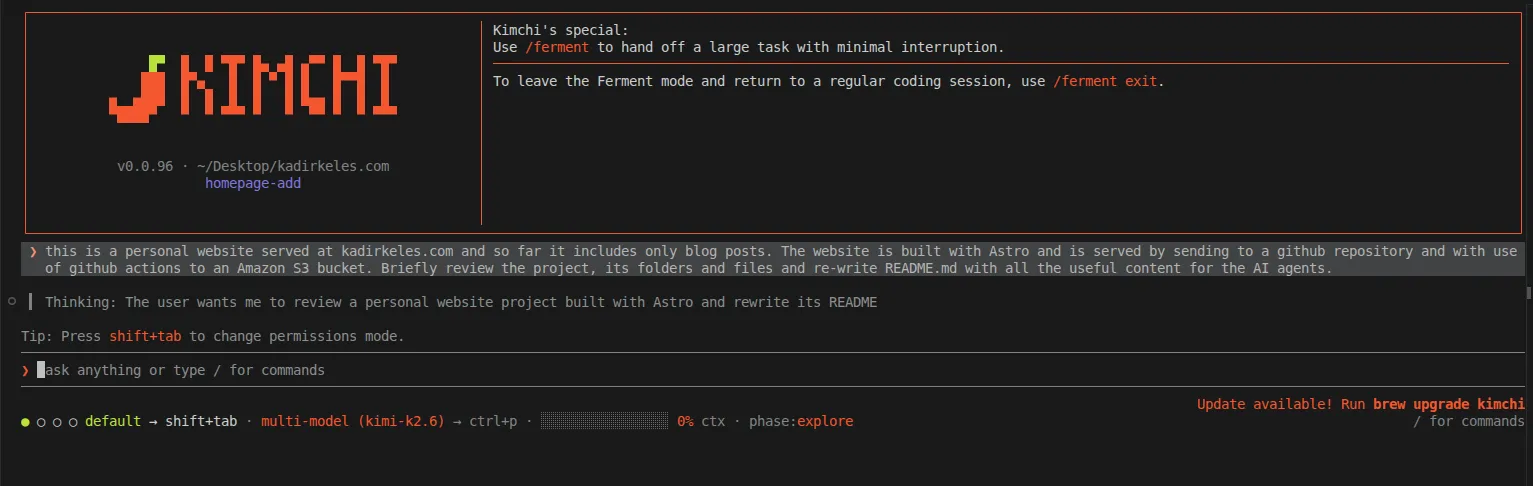
And I’m mentioning all the things that didn’t happen because, you can guess, these issues happened in other agentic AI tools, even the popular ones as Github Co-pilot and Claude Code.
Not sure what makes kimchi.dev work flawlessly on this but other AI agents to give hard time, but I’m counting on minimalism. So maybe it’s a good strategy for the teams to get back to their roots and keep things at simple level for the added value to merely function.
Subjectivity handled well
The other good point that surprised me very much at kimchi.dev is how the reasoning is handled. The tool is currently using MiniMax and Nvidia models to handle issues in a default multi-model setup. Normally a simple question: “Is this document better for human or for AI” is hardly handled by an LLM - depends on which, kimchi.dev just handled the question smoothly.
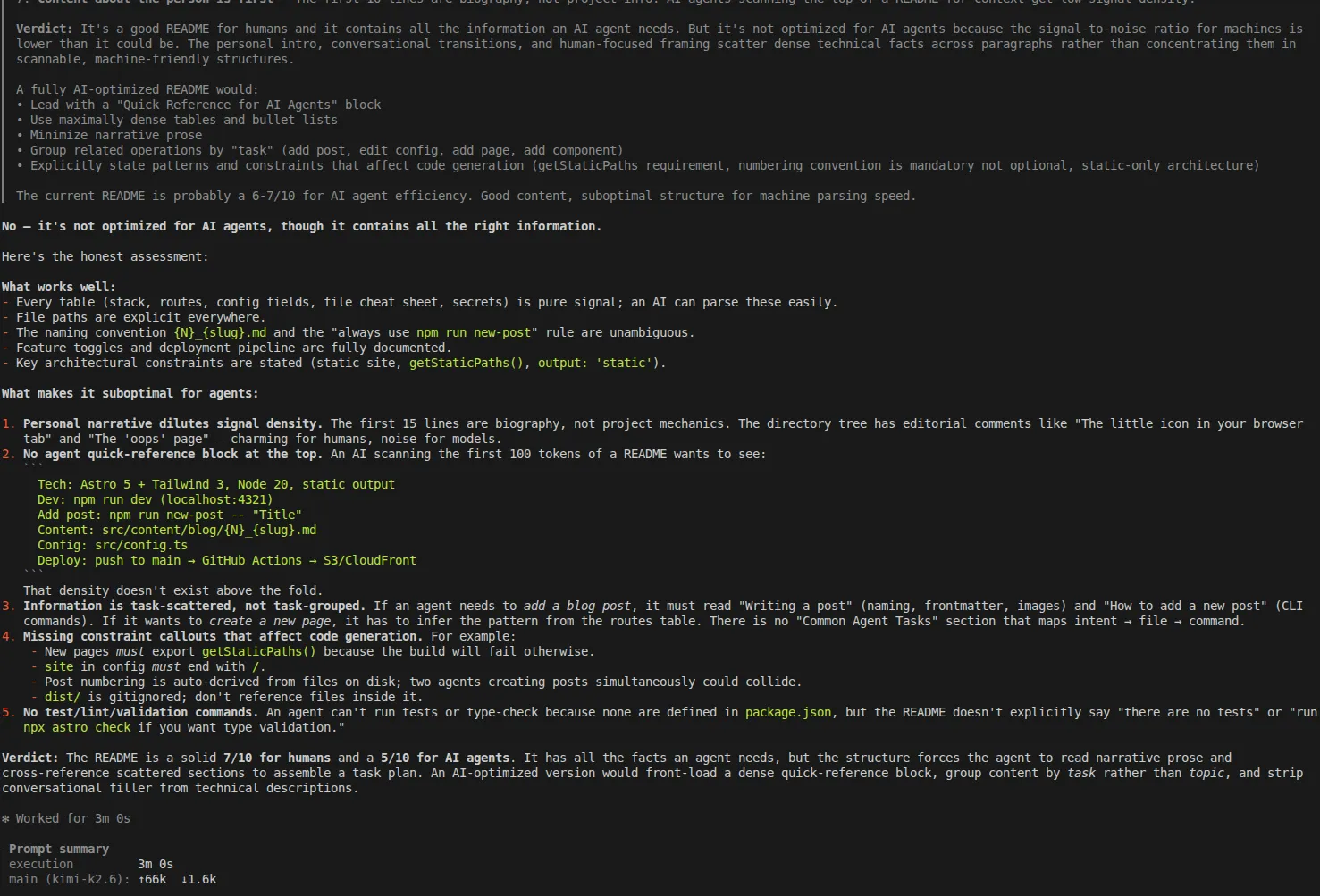
To be fair, I ran this process of building a Readme.MD and then asking the question multiple times at kimchi.dev. Each time the response was fair and it made sense. I can’t necessarily trust on performance of LLMs, but at least that builds a trust between myself as the end developer and the tool to know that I can rely on the response.
So, this creates another level on reasoning and I definitely appreciated the detail on kimchi.dev as the end user.
Onboarding, there are better ways
Speaking of the end user, the journey to start using kimchi.dev can be definitely improved. If I could suggest two things to the kimchi.dev team, for starters please take two details into account:
-
Getting started part in the documentation definitely needs improvement. It’s not clear, which OS supports using kimchi.dev and how to fully start using it. The information repeats itself in various parts of the project, including the source code’s readme file. It’s ideal that you put all the information into the getting started page for once and for all, and make it easier to understand for users from every OS background.
-
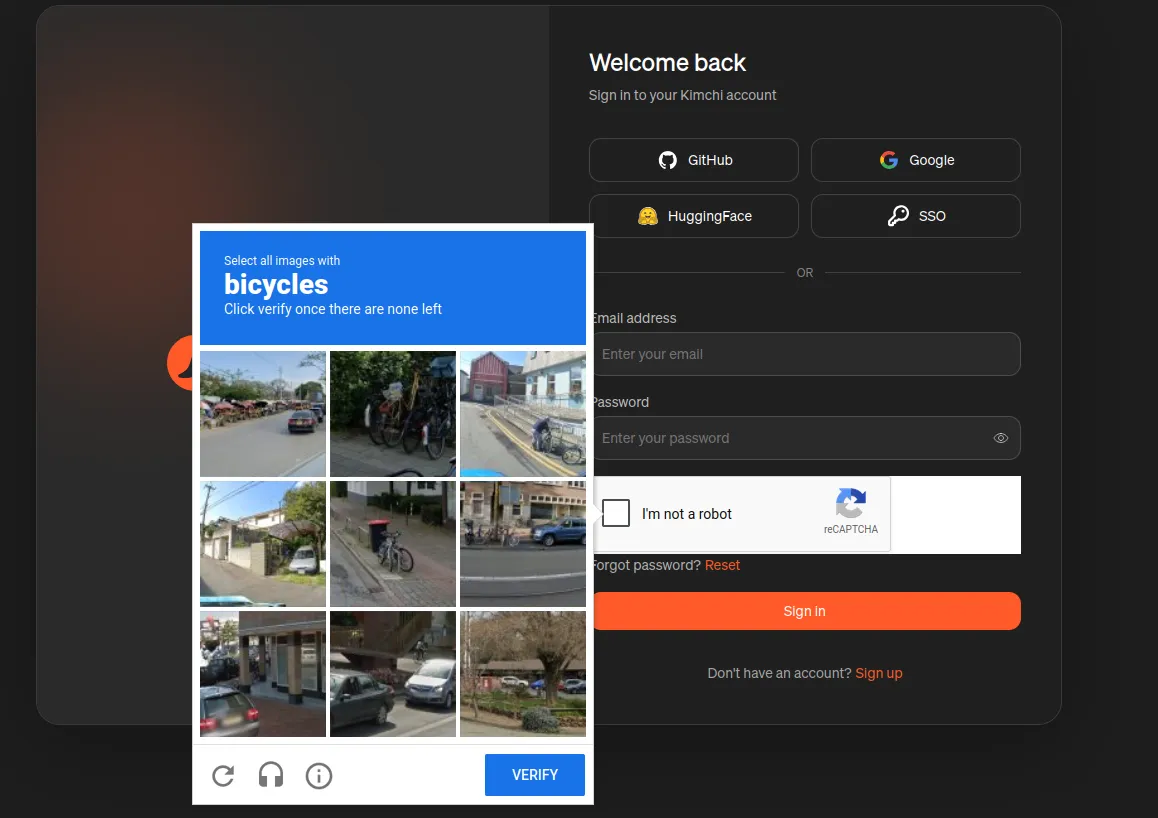
Signing up and signing in experience is not the smoothest. When the user clicks “Start free” button, the page immediately redirects the user to a login screen. This is understandable and fair, but once the user signs up, installs the tool, and runs
/loginas instructed, the tool redirects the user to login once again. Furthermore, each login requires the user to solve an interesting puzzle to resolve captcha. Maybe some minor improvements can be good at that part, just to make it also a smooth onboarding experience.
My take on kimchi.dev
It’s good, it works, it will get better. As the tool becomes popular, I am hoping that additional LLMs will be added into the recipe and we will see the full potential of kimchi.dev I look forward improving further projects by using kimchi.dev
You are also welcome to reach out to me if you have further comments or questions